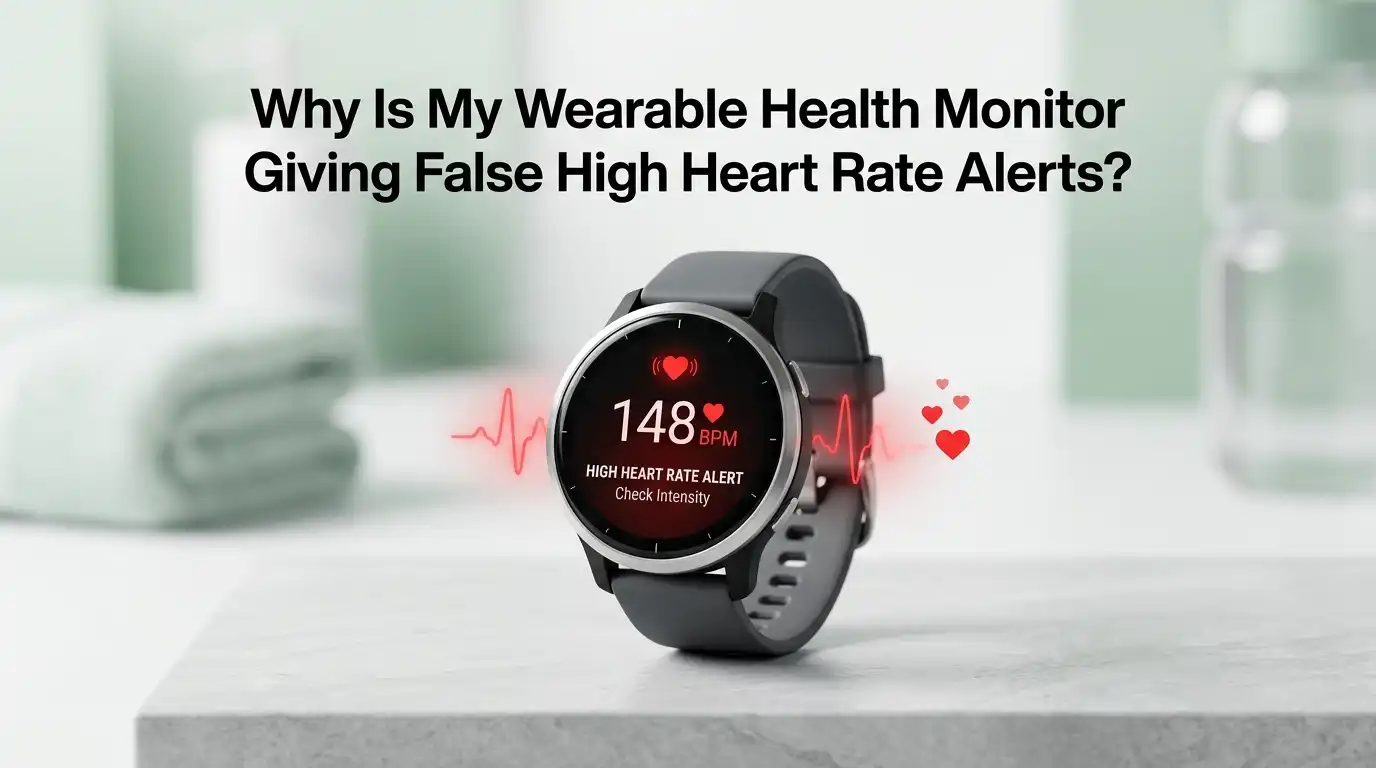
Why Is My Wearable Health Monitor Giving False High Heart Rate Alerts?
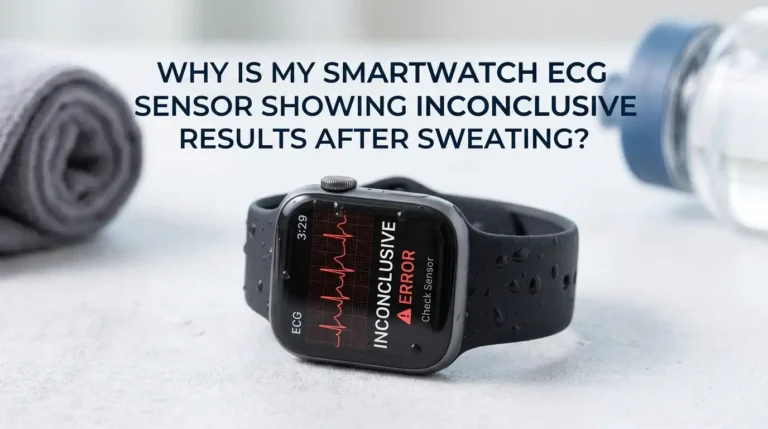
Your wrist buzzes again. The screen flashes a warning. Your heart rate has supposedly hit 170 beats per minute while you sit on the couch watching TV. Sound familiar? You are not alone.
Millions of smartwatch and fitness band users get false high heart rate alerts every week, and these scary numbers can trigger real anxiety, panic, and even unnecessary trips to the doctor.
This guide walks you through every common reason your wearable cries wolf, plus step by step fixes you can try today.
In a Nutshell
- Most false alerts come from poor sensor contact. A loose strap, dirty sensor lens, hairy or tattooed skin, or wearing the watch over a bony spot are the top reasons your optical sensor gets confused and reports a wildly high pulse.
- Motion is a huge troublemaker. During running, cycling, or even fast walking, the sensor can lock onto your cadence instead of your real heartbeat. This is called cadence lock and produces false spikes that look like dangerous tachycardia.
- Settings matter more than you think. Default high heart rate thresholds are often set low, around 100 to 120 bpm, which means normal activity can trigger alerts. Adjusting these to fit your fitness level cuts down on noise.
- Lifestyle factors can cause real spikes too. Caffeine, stress, dehydration, lack of sleep, and certain medications raise your true resting heart rate. Always rule these out before blaming the device.
- Persistent alerts deserve attention. If your wearable repeatedly flags high rates and you feel symptoms like dizziness, chest pain, or shortness of breath, see a doctor and ask for an ECG test for confirmation.
How Your Wearable Measures Heart Rate
Most fitness trackers and smartwatches use a method called photoplethysmography, or PPG for short. Tiny green LEDs on the back of the device shine light into your skin. Blood absorbs more light than the tissue around it.
The sensor measures how much light bounces back. As your heart pumps, blood volume in your wrist rises and falls. The watch counts those pulses and turns them into a heart rate number on your screen.
This system works well when conditions are perfect. But your wrist is rarely a perfect lab setting. Movement, skin color, hair, sweat, tattoos, temperature, and strap tightness all change how light travels through your skin. Any one of these can push your reading off by 20, 50, or even 100 beats per minute.
Reason 1: Your Strap Is Too Loose
A loose watch is the number one cause of false readings. When the device shifts or bounces on your wrist, the sensor loses steady contact with your skin. Light leaks in from the sides, and the algorithm starts guessing instead of measuring.
The fix is simple. Tighten the strap until the watch sits snug but comfortable. You should be able to slide one finger under the band but no more. Move the watch about one finger width above your wrist bone, not directly on it.
Pros of tightening the strap include instant accuracy gains and zero cost. Cons include possible skin irritation, sweat trapping, and red marks during long wear. To balance this, loosen the strap slightly when you sleep and tighten it only during workouts when accuracy matters most.
Reason 2: Dirty Sensor Lens or Skin
Dried sweat, sunscreen, lotion, and dead skin build up on the back of your watch over time. This film blocks light and confuses the optical sensor. The result is missed beats or wild false spikes.
Clean the sensor lens once a week with a soft, damp cloth. Avoid alcohol wipes on plastic lenses because they can cloud the surface. Make sure your wrist is dry and free of lotion before strapping the device back on.
The pro side here is a quick, free fix that improves data for every workout. The con is that some sunscreens and bug sprays still cause issues even after cleaning, and you may need to reapply or rinse mid day. Keep a small microfiber cloth in your gym bag for quick wipes.
Reason 3: Cadence Lock During Exercise
Cadence lock happens when your watch counts your foot strikes or arm swings instead of your heartbeat. If you run at 180 steps per minute, your watch may report a heart rate of 180 bpm even when your real pulse is 140.
To break cadence lock, change your stride or arm position briefly. Slow down for ten seconds, then speed up. Move the watch higher on your forearm where there is less muscle bounce. Tighten the strap one extra notch before runs.
Pros of these tricks include better workout data and fewer panic alerts. Cons include slight discomfort from a tighter strap and the hassle of changing pace. For serious runners, a chest strap heart rate monitor gives far more reliable numbers because it reads electrical signals directly from your heart.
Reason 4: Tattoos and Skin Pigmentation
Dark tattoo ink absorbs the green light from PPG sensors before it can bounce back. The watch then either fails to read your pulse or invents a number. Apple, Garmin, and Fitbit all warn that tattooed skin can disrupt heart rate accuracy.
The fix is to move the watch to a tattoo free spot on your wrist or forearm. If your whole wrist is inked, wear the device on your other arm. Some users have luck wearing the watch on the inside of the wrist where the ink is lighter.
Pros of relocating the watch are immediate accuracy improvements and no need to buy new gear. Cons include needing to find a comfortable new spot, possible style preferences for one wrist, and the fact that very dense ink patterns may still cause issues no matter where you wear it.
Reason 5: Cold Hands and Poor Circulation
Cold weather pulls blood away from your hands and wrists. Less blood under the sensor means weaker signals and bigger reading errors. Many users report wild false spikes during winter runs or cold gym sessions.
Warm your wrist before you start tracking. Rub your hands together, wear a long sleeve over the watch for the first ten minutes, or do a light indoor warm up. Some people slide hand warmers near the wrist before outdoor activity.
The pros are obvious comfort and accuracy gains. The cons include extra prep time and the fact that long sleeves can rub against the sensor and create their own false readings. Find a sleeve cut that sits above the watch face, not over it.
Reason 6: Wrong Heart Rate Alert Thresholds
Most wearables ship with default alert settings around 100 to 120 bpm for high heart rate and 40 bpm for low. These numbers fit an average resting adult but may be too low for active people, athletes, or anyone going through normal daily stress.
Open your device app and find the heart rate notification settings. Raise the high threshold to a level that suits your real resting and active rates. A common adjustment is 130 to 140 bpm at rest for healthy adults, but check with your doctor for personalized numbers.
Pros include far fewer nuisance alerts and a calmer relationship with your device. Cons are that setting the bar too high may hide a real problem. Find your own resting heart rate over several mornings first, then set alerts about 30 to 40 bpm above that baseline.
Reason 7: Caffeine, Stress, and Real Spikes
Sometimes the alert is not false. Coffee, energy drinks, strong tea, anxiety, poor sleep, fever, dehydration, and certain medications can push your resting heart rate well above 100 bpm. Your wearable is doing its job by warning you.
Track patterns over a week. Note what you ate or drank, how you slept, and how stressed you felt before each alert. If caffeine is the trigger, cut back gradually. If stress is the cause, try deep breathing, short walks, or guided meditation apps.
The pro is that you gain real health insight from your device instead of dismissing every alert. The con is that overthinking every number can feed health anxiety. Use the data as a gentle nudge, not a daily verdict on your wellbeing.
Reason 8: Software Bugs and Outdated Firmware
Wearable companies push regular firmware updates that fix sensor bugs, improve algorithms, and refine alert logic. An out of date watch may keep producing false alerts that newer software has already solved.
Open your companion app and check for updates at least once a month. Restart the watch after any update. If false alerts continue, try a factory reset as a last resort, then pair the watch again and let it relearn your baseline over a few days.
Pros include free fixes and improved features. Cons include occasional new bugs introduced by updates, lost custom settings after a reset, and the time it takes to reconfigure your preferences. Back up your data through the app before any major reset.
Reason 9: Interference from Other Devices
Strong electromagnetic fields from gym machines, electric motors, MRI rooms, and even some wireless chargers can scramble your sensor briefly. The watch may report a sudden jump from 70 to 200 bpm, then drop back just as fast.
If you see these one second spikes, check whether you were near a treadmill console, elliptical, or charging pad at the time. Move the watch away from the source and the readings should normalize within seconds.
Pros of being aware of interference are calmer reactions to weird spikes and fewer needless worries. The con is that you cannot always avoid these environments, especially in busy gyms. Treat single second spikes as glitches and look at the trend line over five minutes instead.
Reason 10: Health Anxiety from Too Many Alerts
Studies show that frequent false alerts can actually harm your wellbeing. People who get repeated atrial fibrillation warnings from their watch report higher anxiety, lower confidence in their health, and reduced quality of life, even when the alerts turn out to be wrong.
If your watch is making you nervous, take a break. Turn off heart rate notifications for a week. Use the device only for steps and sleep. Come back to heart tracking once your baseline anxiety settles down.
Pros of stepping back include better mental health and a clearer head when real alerts do come. Cons include possibly missing a true warning during your break, so weigh the trade off based on your personal risk factors and talk to your doctor before silencing alerts long term.
When to See a Doctor About High Heart Rate Alerts
A false alert is annoying. A real one can save your life. Know the difference. See a doctor if your wearable shows high readings combined with symptoms like chest pain, dizziness, fainting, shortness of breath, or a fluttering feeling in your chest.
Also seek care if your resting heart rate stays above 100 bpm for several days, if alerts come at night while you are calmly sleeping, or if your watch flags possible atrial fibrillation more than once. Bring your watch data, but ask for an ECG to confirm what the device sees.
Pros of professional input include accurate diagnosis, peace of mind, and proper treatment if needed. Cons include cost, time, and the small chance of being told everything is fine, which can feel frustrating after weeks of worry. Even a clean bill of health is valuable information.
Frequently Asked Questions
Can my wearable really detect a heart attack?
No. Current consumer wearables can flag a high heart rate or possible atrial fibrillation, but they cannot detect a heart attack. Heart attacks involve blocked arteries and need a medical ECG, blood tests, and imaging. Always call emergency services if you feel chest pain.
Why does my watch say my heart rate is 200 when I feel fine?
This is almost always a false reading from cadence lock, a loose strap, or sensor interference. Feel your real pulse at your wrist or neck for 15 seconds, then multiply by four. If the real number is normal, your watch glitched.
Should I trust the heart rate during sleep?
Sleep readings are usually the most accurate because your wrist stays still and the sensor keeps steady contact. Sudden alerts at night may signal real issues like sleep apnea, anxiety dreams, or rhythm problems and deserve a doctor visit.
Is a chest strap more accurate than a wrist watch?
Yes. Chest straps read your heart’s electrical signals directly, much like a clinical ECG. They are far more reliable for workouts, especially running and high intensity training, where wrist sensors struggle the most.
How often should I calibrate my wearable?
Most devices calibrate themselves over time as they learn your patterns. You do not need to do anything special. Just keep the firmware updated, the sensor clean, and the strap fitted properly, and your readings will improve over the first few weeks of use.

Hi, I’m Frankie Shaw, the founder and writer behind Swittchly 👋. I’m a passionate tech enthusiast who loves exploring the latest gadgets, devices, and electronics that hit the market. Through my honest, research-backed Amazon product reviews, I help readers make smarter buying decisions without the hype or confusion.