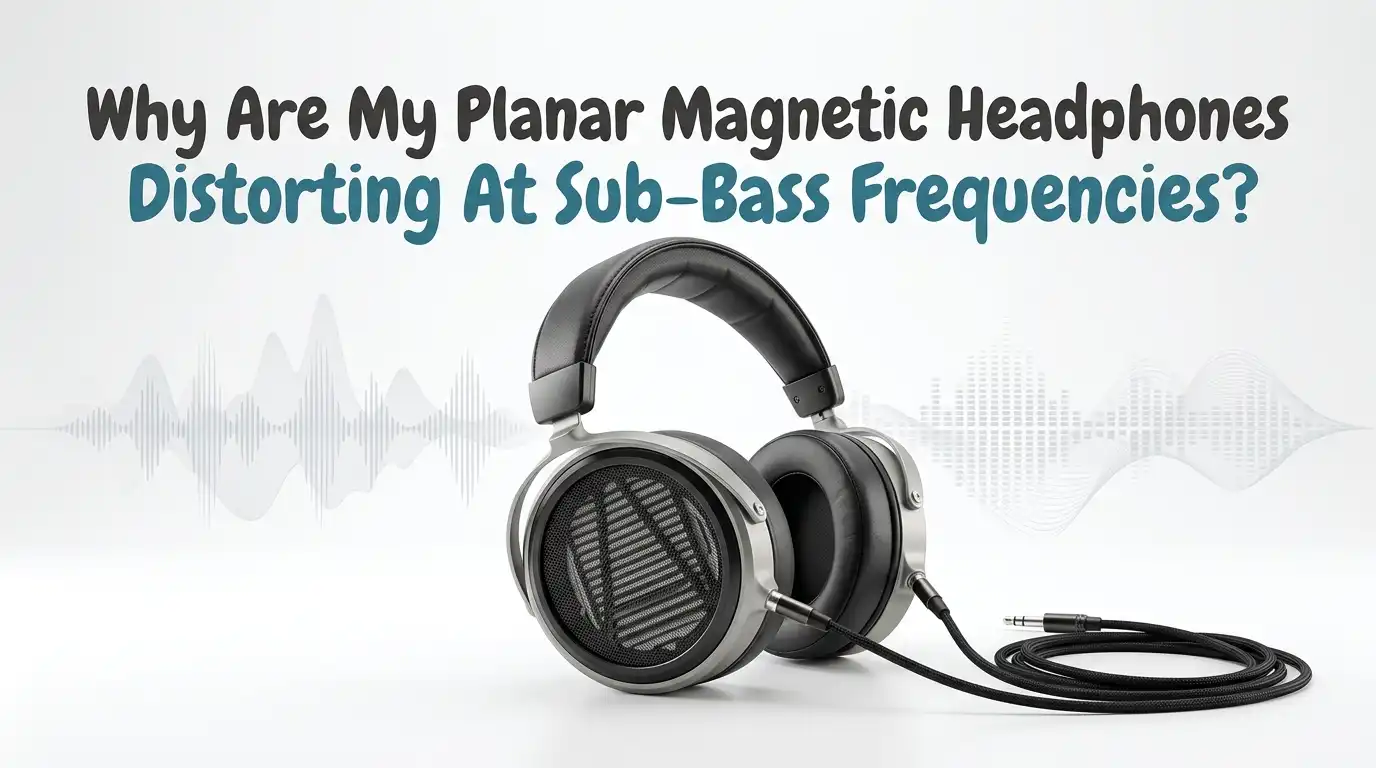
Why Are My Planar Magnetic Headphones Distorting At Sub-Bass Frequencies?
You bought planar magnetic headphones for their clean, tight, deep bass. So when they crackle, fart, or break up at sub-bass frequencies, it feels wrong.
Planars are famous for low distortion, especially in the low end. That is exactly why distortion down there is so frustrating and so confusing.
The good news is simple. Sub-bass distortion on planar headphones almost always comes from a fixable cause. Your amp, your EQ settings, your source files, or your earpad seal are the usual suspects. The driver itself is rarely the problem.
Key Takeaways
- Power is the number one cause. Planar drivers have low impedance and need lots of current. A weak phone, dongle, or laptop jack runs out of headroom and clips on deep bass notes. A proper headphone amp fixes most cases.
- EQ clipping is the second biggest cause. When you boost bass without adding negative preamp gain, the signal clips digitally. Always set a negative preamp value equal to your largest boost.
- Bad source files distort no matter what. Lossy MP3s, loudness war masters, and clipped recordings carry distortion baked in. Better gear cannot remove damage that is already in the file.
- A poor earpad seal kills sub-bass. Even a tiny gap leaks low frequencies and forces the driver to work harder. A clean seal restores deep bass instantly.
- The driver is rarely broken. Planar diaphragms are tough. True physical damage is uncommon and usually shows as constant rattle, not occasional bass distortion.
What Sub-Bass Distortion Actually Sounds Like
First, let us define the problem clearly. Sub-bass covers roughly 20Hz to 60Hz, the lowest notes you feel more than hear. Distortion here does not sound like a clean note. It sounds wrong.
You might hear a crackle on deep bass drops. You might hear a buzzy, farty texture on synth bass. Sometimes the note breaks apart while everything else stays clean. That detail matters a lot.
If only the lowest notes distort, your driver is fine. The issue is power, EQ, or source. Real driver damage usually rattles on almost everything, not just deep bass. Spend a minute listening closely. Note when the distortion happens and at what volume. That clue points you straight to the cause and saves you hours of guessing later.
Cause One: Your Amp Cannot Deliver Enough Current
This is the most common reason planar bass distorts. Planar magnetic headphones have low impedance and low sensitivity. That combination means they need a lot of electrical current to move the diaphragm.
Sub-bass is the hardest part of the music to reproduce. Those notes demand the biggest power peaks. When your source runs out of current on a deep note, it clips the peak and you hear distortion.
A phone jack, a small USB dongle, or a laptop output often cannot keep up. They might sound loud enough. Loud enough and powered enough are not the same thing. The amp can play at normal volume yet still choke on bass transients.
Pros of fixing power: It solves the most cases, improves bass tightness, and adds dynamic punch.
Cons: A good amp costs money and adds another box to your desk.
Cause Two: EQ Bass Boost Is Clipping The Signal
Lots of planar fans use EQ to add sub-bass. This works great until you forget one step. When you raise a frequency band, you increase the signal level at that point.
If the signal was already near maximum, your boost pushes it past the ceiling. The audio clips digitally. The result is harsh, broken sub-bass that gets worse the more you boost.
The fix is negative preamp gain. If your largest boost is +6dB, set the preamp to at least -6dB. This pulls the whole signal down so the boosted band still fits under the ceiling.
Most EQ apps, like Equalizer APO, Peace, or built in player EQ, have a preamp slider. Tools like AutoEQ already include a recommended preamp value, so use it.
Pros: Free, fast, and keeps your boosted bass perfectly clean.
Cons: You lower overall volume slightly and may need to turn the amp up a touch.
Cause Three: Your Source File Has Distortion Baked In
Sometimes the problem is not your gear at all. The distortion lives inside the file itself. No amp or headphone can remove damage that was recorded into the track.
Heavily compressed MP3s lose detail in the bass. Loudness war masters push levels so high that peaks clip during production. Bass heavy genres suffer the most because sub-bass uses the most headroom.
Test this quickly. Play the same song from a different, higher quality source. Try a lossless file or a clean streaming service. If the distortion disappears, the original file was the culprit.
Pros of checking the source: It costs nothing and rules out a whole category of problems.
Cons: You may need to re-download tracks or pay for a better quality service to fully fix it.
Cause Four: A Broken Earpad Seal Is Leaking Bass
Planar headphones rely on a tight seal around your ears. Sub-bass is the first thing to suffer when that seal breaks. Even a small gap lets low frequencies escape into the room.
Glasses arms, long hair, or worn out pads all break the seal. When bass leaks, the headphone sounds thin. To compensate, people turn up the volume, which then pushes the driver and amp into distortion.
Try this test. Press the earcups gently against your head while playing bass heavy music. If the bass suddenly fills in and cleans up, your seal was the problem.
Replace flat or cracked earpads. Make sure the pads sit flush against your skin. A fresh, clean seal can restore deep bass with zero extra cost beyond a new pad set.
Pros: Cheap, easy, and improves bass quality and quantity at the same time.
Cons: Pad swaps can subtly change the overall tuning of your headphones.
Cause Five: Driver Flex Is Being Mistaken For Distortion
Some planar owners hear a crinkle or pop when putting headphones on. This is often driver flex, not real distortion. It is a known trait of some planar designs and most dynamic drivers too.
Driver flex happens when air pressure shifts behind the diaphragm. You hear it during the seal change as you adjust the cups, not during music playback.
The key difference is timing. Driver flex happens when you move the headphones. Sub-bass distortion happens during deep bass notes in the music. If your crinkle only occurs during fitting, your driver is healthy.
To reduce flex, seat the headphones slowly and let the pressure settle. Avoid yanking them on and off.
Pros of identifying flex: You stop worrying about a problem that is not real.
Cons: Flex itself is hard to eliminate fully on some models, though it is harmless.
Cause Six: High Output Impedance From A Tube Or Cheap Amp
Not every amp pairs well with planars. Tube amps and some budget amps have high output impedance. This causes problems with low impedance planar headphones.
High output impedance reduces electrical damping. The driver loses control over its own movement, especially in the bass. Sub-bass can get loose, boomy, and distorted as a result.
For most planars, you want an amp with output impedance under a few ohms. The general rule is the amp output impedance should be at least eight times lower than the headphone impedance.
Check your amp specs. If you use a tube amp, look for one with a low impedance headphone output or one built for planars.
Pros of matching impedance: Tighter, cleaner, better controlled bass.
Cons: You may need to replace an amp you already own and like.
Cause Seven: Volume Is Pushed Past The System’s Limit
Loud listening is the fastest way to trigger sub-bass distortion. Every part of your chain has a ceiling. Push past it and bass peaks break up first because they demand the most power.
This can happen at the source, the amp, or the digital file. Even a strong amp clips if you crank it to the top. Sub-bass distortion at high volume only is a classic sign of hitting that ceiling.
Try lowering the volume a few clicks. If the distortion vanishes, you found your limit. The fix is either listening lower or upgrading the weak link in your chain.
Protect your hearing too. Constant high volume listening damages your ears over time.
Pros: Lowering volume is instant and free, and it protects your hearing.
Cons: You sacrifice the loud, impactful listening some people enjoy.
Cause Eight: Gain Staging Errors Across Your Chain
Gain staging means setting the right volume at each stage of your signal path. When one stage runs too hot, it clips before the next stage even gets the chance to work.
A common mistake is maxing out the source volume, like your phone or DAC, then using the amp to control level. The source clips first, and no amp setting can clean it up.
The better method is to keep the source at full digital level only if it is bit perfect, then control loudness with the analog amp volume. Set your DAC to a clean reference level and adjust the final volume on the amp.
If using software EQ, account for preamp gain here too, as covered earlier.
Pros: Free to fix and improves clarity across the whole range, not just bass.
Cons: It takes a little trial and error to find the sweet spot.
Cause Nine: Bluetooth Codecs And Wireless Compression
If you use planar headphones wirelessly, the codec matters. Bluetooth compresses audio, and some codecs handle bass worse than others. Lower quality codecs can add artifacts to sub-bass.
Many wireless planars also use built in amps and DSP. A weak internal amp or aggressive processing can distort deep bass, especially with EQ active in the app.
Check which codec your devices use. Better codecs like LDAC or aptX Adaptive carry more data and preserve bass detail better than basic SBC. Match both your phone and headphones to the best shared codec.
If the app has a bass boost feature, lower it and test. App side boosts often clip just like software EQ.
Pros: Codec and app tweaks are free and quick to try.
Cons: Wireless will never match a strong wired chain for power hungry planars.
Cause Ten: The Driver Is Genuinely Damaged
This is the least likely cause, but it is real. Planar diaphragms are thin, and extreme abuse can damage them. Massive EQ boosts, huge power spikes, or physical impact can deform or tear the film.
A damaged driver usually rattles or buzzes on most bass, not just sub-bass, and the sound stays bad at every volume. Sometimes one ear sounds clearly worse than the other.
Test each driver alone. Play a clean bass sweep and listen to each side. If one side distorts and the other stays clean, you likely have driver damage.
Contact the manufacturer if your headphones are under warranty. Many planar brands repair or replace damaged drivers.
Pros of confirming damage: You stop blaming your setup and get a real repair.
Cons: Repairs cost money and time, and not all damage is covered by warranty.
A Simple Step By Step Diagnostic Plan
Now let us put it all together. Follow these steps in order to find your cause fast without spending money first.
- Lower the volume. If distortion stops, you were hitting a power or volume limit.
- Turn off all EQ. If distortion stops, set a negative preamp and re-enable EQ.
- Try a different file or source. Clean playback means the original file was bad.
- Press the cups to your head. Better bass means your seal was leaking.
- Test each ear with a bass sweep. One bad side suggests driver damage.
Work through these one at a time. Change only one thing per test so you know exactly what fixed it. Most people find their answer within the first three steps.
Pros: Free, logical, and avoids unnecessary purchases.
Cons: It takes patience and a few minutes of careful listening.
How To Pick An Amp That Fixes Planar Bass
If power turns out to be your problem, choosing the right amp matters. Do not just buy the most powerful amp you can find. Match the amp to your specific headphones.
Look at your headphone impedance and sensitivity, then check the amp power rating into that impedance. Many amps list power into 32 ohms or 50 ohms. A good target for hungry planars is around one watt or more into a low impedance load.
Also check output impedance, which should be very low for tight bass. Avoid mystery amps with no clear specs.
A desktop amp usually beats a tiny dongle for current delivery. Dongles can work for efficient planars but struggle with demanding ones.
Pros: A matched amp solves power distortion and improves the whole sound.
Cons: Good amps cost money, and overpowered amps waste budget you could spend elsewhere.
Frequently Asked Questions
Can EQ bass boost permanently damage my planar headphones?
In normal use, no. Reasonable EQ boosts with proper negative preamp gain are safe. Planar diaphragms handle bass well. Damage only risks happen with extreme boosts plus very high volume over long periods. Keep boosts sensible, use negative preamp, and your drivers stay healthy.
Why does my planar bass distort only on certain songs?
That points to the source file. Different songs use different masters and compression levels. Loud, heavily processed tracks clip more easily than clean, dynamic recordings. If only some songs distort, the issue lives in those specific files, not in your headphones or amp.
Do all planar magnetic headphones need a powerful amp?
No, not all of them. Newer planars are often more efficient and easier to drive. Some run fine from a phone or dongle. Older or larger planars usually need more current. Check your specific model’s impedance and sensitivity to know how much power it really needs.
Will a more expensive DAC fix my sub-bass distortion?
Usually not. A DAC converts the signal but does not supply the current planars crave. If your problem is power, you need an amplifier, not a fancier DAC. Fix EQ clipping, seal issues, and amp power first before spending on a new DAC.
Is some sub-bass roll off normal on planar headphones?
Mild roll off can be normal, but distortion is not. Roll off means the bass gets quieter, not dirty. If your deep bass sounds clean but soft, that is tuning. If it sounds broken or crackly, that is distortion and one of the causes above is at play.

Hi, I’m Frankie Shaw, the founder and writer behind Swittchly 👋. I’m a passionate tech enthusiast who loves exploring the latest gadgets, devices, and electronics that hit the market. Through my honest, research-backed Amazon product reviews, I help readers make smarter buying decisions without the hype or confusion.