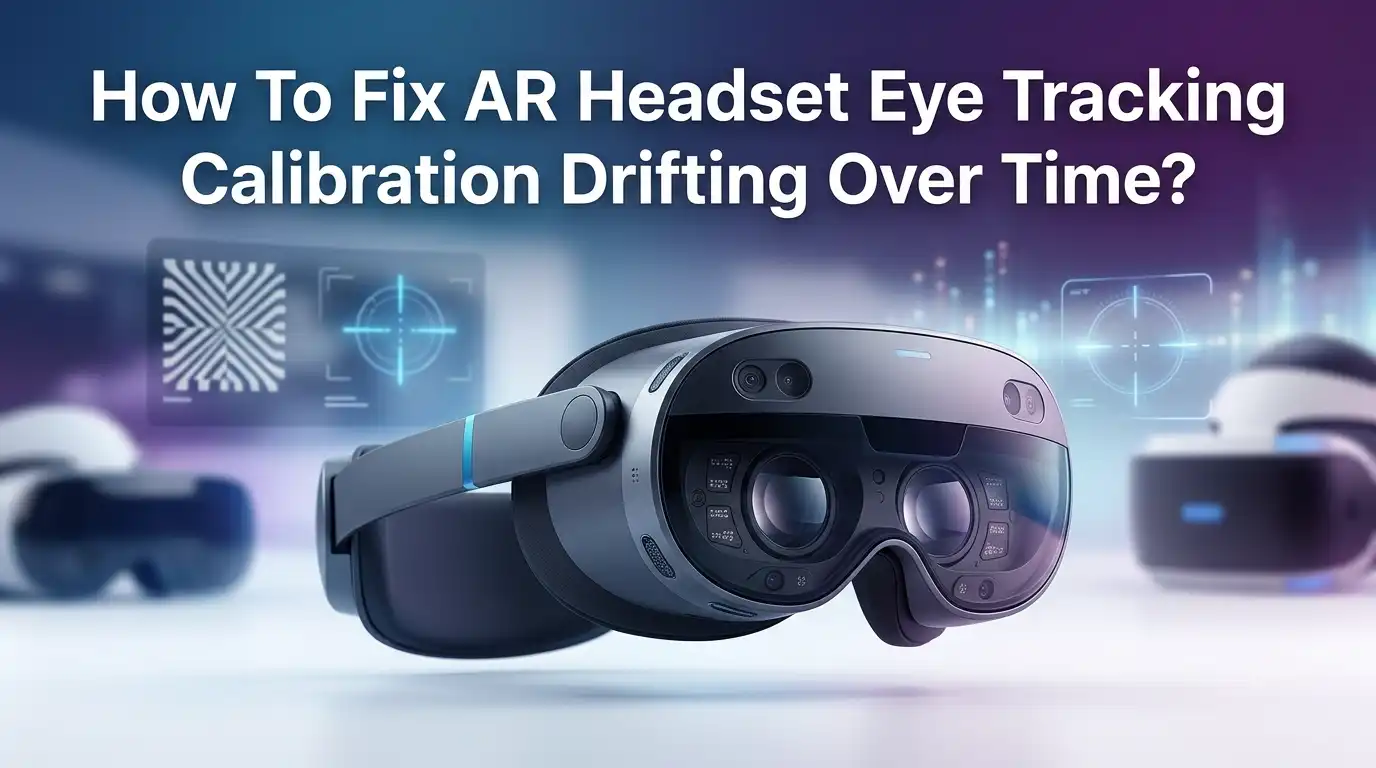
How To Fix AR Headset Eye Tracking Calibration Drifting Over Time?
Eye tracking makes your AR headset feel like magic. You glance at a button, pinch your fingers, and the action happens. But after a few hours, that magic starts to fade. The cursor drifts. Buttons miss. You start squinting and second guessing every gaze.
This problem is called calibration drift. It affects almost every AR headset, from the Apple Vision Pro to the HTC Vive Focus, Meta Quest Pro, and Varjo devices.
The good news is that drift is fixable. Most causes come down to fit, lighting, lens cleanliness, or software settings.
Key Takeaways
- Calibration drift is normal, but it can be reduced. Eye trackers slowly lose accuracy because the headset shifts, your pupils change size, and lighting conditions move during use.
- Fit is the number one fix. A loose or tilted headset moves the cameras away from your eyes, which breaks the calibration model the device built for you.
- Clean lenses matter more than people think. Smudges, fingerprints, and eyelash oil scatter the infrared light the cameras use to track your gaze.
- Recalibration takes less than a minute on most modern AR headsets. Doing it once or twice a day fixes most drift problems instantly.
- Software updates often improve eye tracking. Brands like Apple, HTC, and Meta release fixes that improve gaze accuracy and reduce drift over time.
- Environment plays a huge role. Bright sunlight, reflective surfaces, and rapid light changes confuse the infrared cameras inside the headset.
What Causes AR Headset Eye Tracking Drift?
Eye tracking drift happens when the system slowly loses track of where you are actually looking. The cursor lands an inch off. Menus highlight the wrong button. This decay builds up over minutes or hours of use.
The main reasons are headset movement on your face, pupil size changes from lighting, and small shifts in your eye position during long sessions. The cameras inside the headset use infrared light to map your pupil and corneal reflections. When anything moves, the math breaks.
Sweat, facial expressions, and even smiling can nudge the headset enough to throw off accuracy. Knowing the cause helps you pick the right fix, which we will cover next.
Refit Your Headset for a Stable Position
The first thing you should always check is fit. A loose strap is the most common reason calibration drifts. When the headset slides down even one or two millimeters, the eye cameras no longer match the position they were calibrated in.
Tighten the top strap first, then the back strap. The headset should feel snug but not painful. Your eyes should sit directly in the sweet spot of the lenses, where the image looks sharpest.
Pros: Refitting takes seconds and fixes most drift cases instantly. It costs nothing and works on every headset.
Cons: Over tightening can cause headaches and pressure marks. You may need to readjust several times before finding the right balance.
If your headset has a swappable light seal or face cushion, try a different size. A better seal keeps the device in one place during use.
Clean the Headset Lenses and Eye Tracking Cameras
Dirty lenses are a hidden killer of eye tracking accuracy. Tiny fingerprints, eyelash oil, and dust scatter the infrared light that the internal cameras rely on. The system then sees a blurry pupil and guesses wrong.
Use a microfiber cloth made for camera lenses. Avoid paper towels, tissues, and shirt fabric, as these can scratch the coating. Wipe in slow circles from the center outward. Never use household cleaners or alcohol unless your manufacturer says it is safe.
Also look at the small infrared LEDs and sensors around the lens edge. These are easy to miss but very important. A dry cotton swab works well for cleaning them.
Pros: Cheap, quick, and effective for most users.
Cons: Lens coatings can degrade if cleaned with the wrong product. Some headsets have hard to reach IR sensors.
Redo the Built In Eye Calibration
Every modern AR headset includes a calibration routine. On the Apple Vision Pro, go to Settings, Eyes and Hands, Redo Eye Setup. On HTC Vive Pro Eye, run the Eye Tracking Calibration tool inside SteamVR. Meta Quest Pro has its own eye and face tracking setup in the system menu.
The process usually asks you to follow a dot with your eyes or pinch floating targets. Keep your head still. Blink normally. Do not squint.
You should redo calibration whenever you put the headset back on, share it with another user, or notice drift starting. Many users do this once or twice every session.
Pros: Restores accuracy in under a minute. Built right into the device.
Cons: Repeating it many times a day gets annoying. Some headsets do not save calibration between users.
Adjust the IPD to Match Your Eyes
IPD stands for interpupillary distance. It is the gap between the centers of your pupils. If your IPD setting does not match your real measurement, the eye cameras see your pupils from a bad angle. This causes constant drift, even right after calibration.
Measure your IPD with a ruler in front of a mirror, or use a free phone app. Then set the headset to match. Some headsets like the Vive Pro 2 have a physical knob. Others like the Vision Pro adjust automatically. Quest 3 has three preset positions.
Pros: Correct IPD improves both image clarity and tracking accuracy.
Cons: Hardware IPD on some headsets only adjusts in fixed steps, which may not match your exact measurement.
Control the Lighting in Your Room
Lighting changes your pupil size. Bright rooms shrink your pupils. Dark rooms expand them. The eye tracker calibrates to one pupil size, so big changes break the model.
Try to use your headset in a room with steady, even lighting. Avoid direct sunlight through a window. Avoid sitting under a bright lamp that flickers. Pull the curtains if the sun moves across the room during your session.
If you wear the headset near a window, the changing daylight will slowly drift your calibration. Move to a more stable spot.
Pros: Costs nothing and helps with eye comfort too.
Cons: You may not always control your environment, especially in shared spaces or while traveling.
Take Off Glasses or Use Prescription Inserts
Regular glasses sit between your eyes and the headset lenses. This blocks the infrared light and confuses the eye cameras. Reflections from the glass also create false signals.
If your headset supports prescription lens inserts, use them. Brands like ZEISS, VirtuClear, and HonsVR make custom inserts for the Vision Pro, Quest 3, and Pico headsets. These sit closer to your eyes and do not interfere with tracking.
Contact lenses also work well, as long as they are clean and not heavily tinted.
Pros: Inserts give sharper images and remove a major drift cause.
Cons: Custom inserts have an extra cost and take a week or two to arrive.
Update Your Headset Firmware and Apps
Eye tracking software improves with almost every update. Manufacturers fine tune the gaze algorithms based on user data. Skipping updates means you miss out on real accuracy gains.
Check your headset settings for the latest firmware. On Vision Pro, go to Settings, General, Software Update. On Meta Quest, the system updates while charging. Vive headsets update through the Vive Console app.
Also update individual apps. Some apps handle eye input poorly until patched. Reading patch notes can help you find drift fixes you did not know existed.
Pros: Free, automatic on most devices, and often delivers real improvements.
Cons: Updates sometimes introduce new bugs. Back up your settings if possible.
Reduce Eye Strain and Take Regular Breaks
Tired eyes drift more. After an hour of focused gaze, your eye muscles get fatigued and your fixations become less stable. The tracker reads this as drift, even though your calibration is fine.
Follow the 20 20 20 rule. Every 20 minutes, look at something 20 feet away for 20 seconds. Take the headset off for a few minutes every hour. Drink water. Blink often during use, since headsets reduce blinking by up to 50 percent.
If your eyes feel dry, use preservative free eye drops before putting the headset back on.
Pros: Better for your health and improves tracking at the same time.
Cons: Breaks slow down work or gameplay sessions.
Use Accessibility Features to Aid Tracking
Most AR headsets include accessibility features that help when drift becomes annoying. The Vision Pro offers a Pointer Control option under Accessibility, Interaction. This lets you use your wrist, head, or finger as a backup pointer.
Dwell control is another great option. Instead of pinching, you simply look at a button for a set time to select it. This works well when gaze accuracy is slightly off, since the system gives you more room to land on a target.
Larger text and higher contrast also help your eyes fix on items more cleanly.
Pros: Useful backup when eye tracking has a bad day. Helpful for users with disabilities too.
Cons: Dwell input feels slower than pinching. Pointer Control adds a small learning curve.
Check for Eyelash, Makeup, or Skin Issues
Long eyelashes, mascara, and eyeliner can confuse the IR cameras. The system may read your eyelash as the edge of your pupil. Eyelash extensions are a known cause of failed Vision Pro eye setup.
If you wear eye makeup, try a lighter, matte product. Avoid shimmer, glitter, and rhinestones near your eyes. Wipe away any flaked mascara before each session.
Skin oils on the face seal can also let the headset slip more easily. Wash your face before long sessions for both comfort and grip.
Pros: Simple personal grooming fix that improves tracking right away.
Cons: May ask you to change a beauty routine you enjoy.
Reset the Headset to Factory Settings
When nothing else works, a full reset can clear deep software issues. Old calibration data, corrupted profiles, and buggy settings sometimes stack up and cause permanent drift.
Back up your data first. Then go to the settings menu and choose Erase All Content and Settings or the equivalent on your device. Set up the headset again from scratch, including a fresh eye and hand calibration.
This is a last step, but it often solves long term drift that no amount of recalibration can fix.
Pros: Clears every software based cause of drift in one move.
Cons: Time consuming. You lose your apps, saves, and personal settings.
When to Contact Customer Support
If you tried every fix above and drift still ruins your sessions, the issue may be hardware related. A bad IR LED, a misaligned camera, or a damaged lens can cause constant problems no setting can fix.
Contact your manufacturer’s support team. Apple, HTC, Meta, and Varjo all run diagnostic checks remotely or in person. Keep your purchase receipt ready, as repairs may fall under warranty.
Describe the issue clearly. Mention how long the drift takes to appear, what triggers it, and what fixes you already tried.
Pros: Fixes hardware issues that you cannot solve at home.
Cons: May require shipping the headset and waiting days for repair.
Frequently Asked Questions
Why does my AR headset eye tracking drift after just one hour?
Drift after an hour usually means the headset has shifted on your face, your pupils changed size due to lighting, or your eyes got tired. Refit the headset, redo calibration, and take a short break to fix it.
Can I stop eye tracking drift completely?
You cannot stop it 100 percent, because eyes and headsets always shift slightly. But you can reduce drift to almost nothing with proper fit, clean lenses, stable lighting, and regular recalibration.
Does eye color affect AR headset tracking accuracy?
Eye color has a small effect. Very dark eyes can sometimes confuse the IR cameras because the pupil and iris show less contrast. Modern headsets handle this much better than older models did.
How often should I recalibrate my AR headset?
Recalibrate every time you put the headset back on after taking it off, share it with someone else, or notice the cursor missing targets. Many users recalibrate once or twice per session.
Do prescription lens inserts really help eye tracking?
Yes. Inserts replace your glasses, which usually block or reflect the IR light. They sit closer to your eyes and let the cameras see your pupils clearly, which reduces drift a lot.
Will a software update fix my drift problem?
Often yes. Firmware updates improve the gaze algorithms and fix tracking bugs. Always keep your headset and apps on the latest version to get the best accuracy.

Hi, I’m Frankie Shaw, the founder and writer behind Swittchly 👋. I’m a passionate tech enthusiast who loves exploring the latest gadgets, devices, and electronics that hit the market. Through my honest, research-backed Amazon product reviews, I help readers make smarter buying decisions without the hype or confusion.