Why Is My Wireless Earbud Charging Case Not Powering Up?
Your wireless earbud charging case sits silent. No light. No life. You press the button, wiggle the cable, and still nothing happens. This problem is more common than you think, and the good news is that most cases come back to life with a few simple steps.
A dead charging case can feel like a small disaster. Your earbuds depend on that little box for power, sync, and storage. When the case stops working, your music stops too.
The reasons range from dirty contacts to a failed battery, and almost every cause has a fix you can try at home.
In a Nutshell:
- Check your power source first. A bad wall outlet, weak USB port, or damaged cable causes most charging failures. Swap each part one at a time to find the culprit.
- Clean the charging contacts. Dust, earwax, and pocket lint block the metal pins inside the case and on the earbuds. A cotton swab with a drop of isopropyl alcohol fixes this in seconds.
- Try a hard reset. Almost every brand has a reset button or a press combo. Holding the case button for 15 to 30 seconds often revives a frozen unit.
- Test wired and wireless charging separately. If the cable works but the wireless pad does not, the issue is with one method, not the whole case.
- Watch the LED behavior carefully. A blinking red light, a steady white light, or no light at all each tell a different story about the fault.
- Give it time on the charger. A deeply drained battery needs 15 to 30 minutes of charging before any light appears. Patience often solves what panic cannot.
Check the Power Source Before Anything Else
Start with the easiest fix. Plug your charging cable into a different wall outlet or USB port. Sometimes the outlet is dead, or the laptop port is asleep. A simple switch can solve the issue right away.
Try a known working charger. Use the one that came with your phone or tablet. Low quality chargers often fail to deliver steady power, which leaves the case stuck in a half charged state. Wall adapters with at least 5W output work best for most cases.
Pros of this method: it costs nothing and takes under a minute. Cons: it does not fix internal faults. If your case still shows no signs of life after a fresh outlet and a new charger, the problem lies deeper inside.
Inspect the Charging Cable for Damage
Cables fail far more often than the cases they charge. Bend the cable along its full length. Look for splits, kinks, or exposed wires near the connector ends. A frayed cable may still light up but fail to deliver real power.
Swap it for a different cable. Use one rated for charging, not just data transfer. Cheap data cables often skip the power lines needed for fast charging. USB C, micro USB, and Lightning cables all have this issue.
Pros: cable replacement is cheap and quick. Cons: you may need to buy a new one if you do not own a spare. Always keep a backup cable in your bag. It saves you from many headaches when your gear acts up at the worst time.
Clean the Charging Contacts Inside the Case
Dirty contacts are the number one cause of charging failure. Pocket lint, dust, and earwax build up on the metal pins inside the case. This layer blocks the electrical flow between the case and the earbuds.
Take a cotton swab. Dip one end in isopropyl alcohol at 70 percent or higher. Gently rub the metal pins inside the case and on the bottom of each earbud. Let everything dry for five minutes before you close the lid.
Pros: this fix solves a huge share of charging cases. Cons: you must be gentle, since rough scrubbing can bend the pins. Avoid water, baby wipes, or harsh cleaners. They leave residue that makes the problem worse. A toothpick can lift stubborn debris from tight corners.
Try a Hard Reset on the Charging Case
Most modern charging cases have a hidden reset button or a press combo. Find the small button on the back or inside of your case. Hold it down for 15 to 30 seconds. Some models need a full 60 seconds.
Watch for the LED to flash a new color. A flash of white, red, or amber means the reset worked. Place the earbuds back in the case and close the lid. Wait a minute, then open it to check the light.
Pros: a reset clears software glitches that block charging. Cons: it also clears your pairing data, so you must connect your earbuds to your phone again. Check your brand manual for the exact reset steps. Each company uses a slightly different method.
Give the Case Time on the Charger
A fully drained battery acts dead even when it is not. Leave the case plugged in for at least 30 minutes before you give up. Some lithium batteries need a slow trickle before they accept a normal charge.
Do not panic if you see no light during the first ten minutes. Deeply discharged cells must reach a safe voltage before the LED turns on. This is a safety feature built into the battery. Forcing power into a flat cell can damage it.
Pros: this method costs nothing and often works on cases that look dead. Cons: it takes patience. Set a timer for one hour and check back. If the light still refuses to appear, the battery may have failed for good.
Test Wired and Wireless Charging Separately
Many cases support both cable and wireless pad charging. Test each method on its own. Plug in the cable first. If the LED lights up, the wired side works. Then try a Qi wireless pad. If the pad fails, the wireless coil inside may be broken.
Remove any case cover before you place it on a wireless pad. A thick silicone skin blocks the wireless signal between the pad and the case coil. Even a small misalignment of one centimeter can stop charging.
Pros: this test tells you exactly which part is broken. Cons: you need access to both a cable and a wireless pad. If only one method fails, you can still charge your case the other way until you fix or replace it.
Look at the LED Light Patterns Carefully
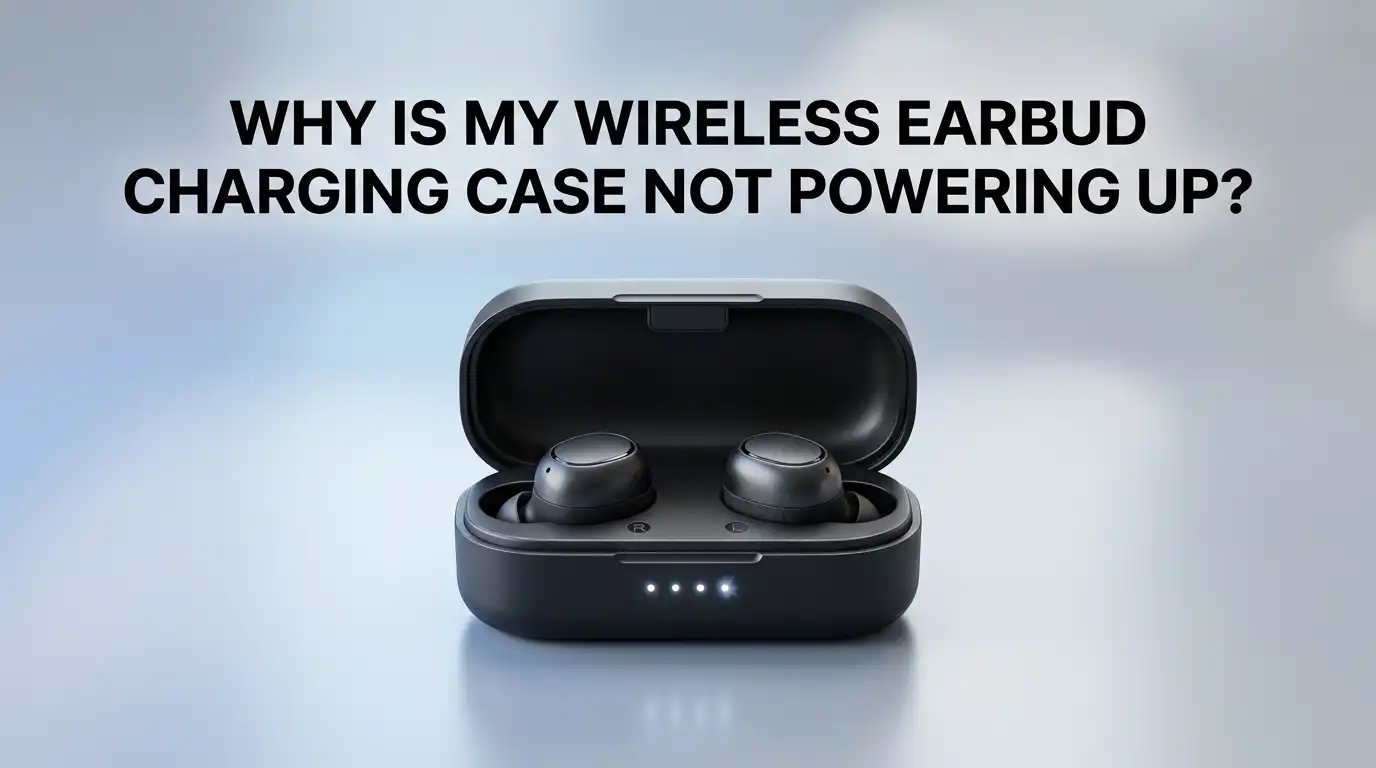
Your case talks to you through its lights. A solid red light usually means low battery. A blinking red light often means a fault. A white or green light means the battery is full or nearly full. Amber light shows mid level charge.
Check your user manual for the exact code. Each brand uses its own light language. Apple, Samsung, Sony, Jabra, and Anker all read the colors a little differently. A pattern that means “charging” on one brand may mean “error” on another.
Pros: light codes give you free, instant diagnosis. Cons: the codes are useless if you lost the manual. Search the brand name and model online to find a copy. Most makers post their guides as free PDFs.
Check the USB Port on the Case for Damage
Lift the case to eye level. Shine a small light into the USB port. Look for bent pins, lint, or signs of moisture. A single bent pin can stop the case from drawing any power at all.
Use a wooden toothpick to clear out any fluff. Never use metal tools inside the port, since they can short the contacts. Press the toothpick gently around the edges and pull out any debris you find.
Pros: this fix takes two minutes and needs no special tools. Cons: bent pins are hard to straighten without proper tools. If the port itself is loose or wobbly, the solder joints inside have likely cracked. That kind of damage needs a repair shop.
Watch Out for Moisture and Water Damage
Water and lithium batteries do not mix. If your case fell in water or sat in a damp pocket, the inside may be wet. Moisture causes short circuits and stops the case from charging at all.
Do not plug a wet case into power. This can damage the battery or your charger. Open the lid and place the case on a dry towel in a warm, ventilated spot. Leave it for 24 to 48 hours. Rice does not work as well as people think, so just use open air.
Pros: drying often saves a soaked case. Cons: water that touches the battery can cause permanent harm. If you see any green or white crust near the contacts, corrosion has set in and the case likely needs a pro repair.
Update the Firmware Through the Companion App
Some charging cases fail to power up because of bad firmware. Open the brand app on your phone. Check the settings menu for a firmware update. If one is ready, install it while the case has at least 30 percent battery.
This step works best for premium brands like Sony, Bose, Jabra, and Apple. Older firmware can have bugs that drain the battery or block charging entirely. A fresh update often patches these flaws.
Pros: updates are free and can fix hidden software faults. Cons: this only works if the case still turns on enough to pair with the app. If your case is fully dead, you cannot run an update. Try this fix before the case dies again next time, so you stay ahead of any known bugs.
Replace the Case Battery If Possible
Lithium batteries wear out over time. After two or three years of daily use, the cell inside your case may no longer hold a charge. The case looks dead because the battery cannot store enough power to turn on the LED.
Some brands sell replacement cases on their own. Other models let skilled users swap the battery with basic tools. Search the brand name and “battery replacement” online. YouTube has guides for many popular models.
Pros: a new battery costs less than a full case replacement. Cons: opening the case may break clips or void your warranty. If your case is still under warranty, contact the maker first. Never try to repair a swollen battery yourself, since it can catch fire.
Contact the Manufacturer for Warranty Support
If nothing else works, reach out to the brand. Most wireless earbud makers offer a one year warranty. Some premium brands offer two years. Keep your receipt and order number ready when you call or chat.
Explain every step you already tried. Support agents move faster when you show you did the basic checks. They may send a free replacement, offer a paid repair, or ask you to mail the unit in for testing.
Pros: warranty service costs nothing if your case qualifies. Cons: shipping and repair times can stretch over weeks. Check your warranty terms before you buy any new earbuds, so you know what is covered if the case fails again later.
When to Replace the Charging Case for Good
Some cases reach the end of their road. If your case is over three years old, the battery, board, and ports may all be tired. Repair costs sometimes match the price of a new pair of earbuds.
Look at the math. A new case from the brand often costs 30 to 50 percent of the full earbud set. A third party case may work, but quality varies a lot. Stick with the brand version when you can, since it pairs better and lasts longer.
Pros: a new case gives you fresh battery life and a clean port. Cons: cost and waste. Recycle your old case at an electronics drop off point. Many phone stores and big box retailers accept old gear for free recycling.
Frequently Asked Questions
How long does a wireless earbud charging case usually last?
Most charging cases last two to three years with daily use. Heavy users may see battery drop after 18 months. Keep the case out of heat and never let it sit fully drained for weeks at a time.
Can I charge my earbuds without the case?
No, in most cases. The earbuds need the metal contacts inside the case to receive power. A few rare models have charging pins on the earbuds themselves, but they are not common. Always charge through the case.
Why does my case charge but not transfer power to the earbuds?
Dirty contacts are the top cause. Clean both the case pins and the earbud pads with isopropyl alcohol. If the issue stays, the small charge board inside the case may have failed, and you need a repair or replacement.
Is it safe to leave my charging case plugged in overnight?
Yes, for most modern cases. They have built in protection that stops the flow once the battery is full. Still, unplugging after a few hours saves wear on the battery cell and helps your case last longer.
What does a blinking red light on my case mean?
A blinking red light usually means low battery or a fault. Charge the case for 30 minutes and watch the light again. If the red blink stays, the battery may have failed or the case may need a reset.
Can a third party charger damage my earbud case?
Yes, sometimes. Low quality chargers can send unstable power. Stick with the brand charger or a known, certified brand. Look for the USB IF or CE mark on any cable or adapter you buy. Safety marks matter more than price.
Should I dry my case in rice if it gets wet?
No. Rice does not absorb moisture as well as people believe, and it can leave dust inside the case. Open air drying for 24 to 48 hours works better. Place the case on a dry towel in a warm spot with good air flow.

Hi, I’m Frankie Shaw, the founder and writer behind Swittchly 👋. I’m a passionate tech enthusiast who loves exploring the latest gadgets, devices, and electronics that hit the market. Through my honest, research-backed Amazon product reviews, I help readers make smarter buying decisions without the hype or confusion.