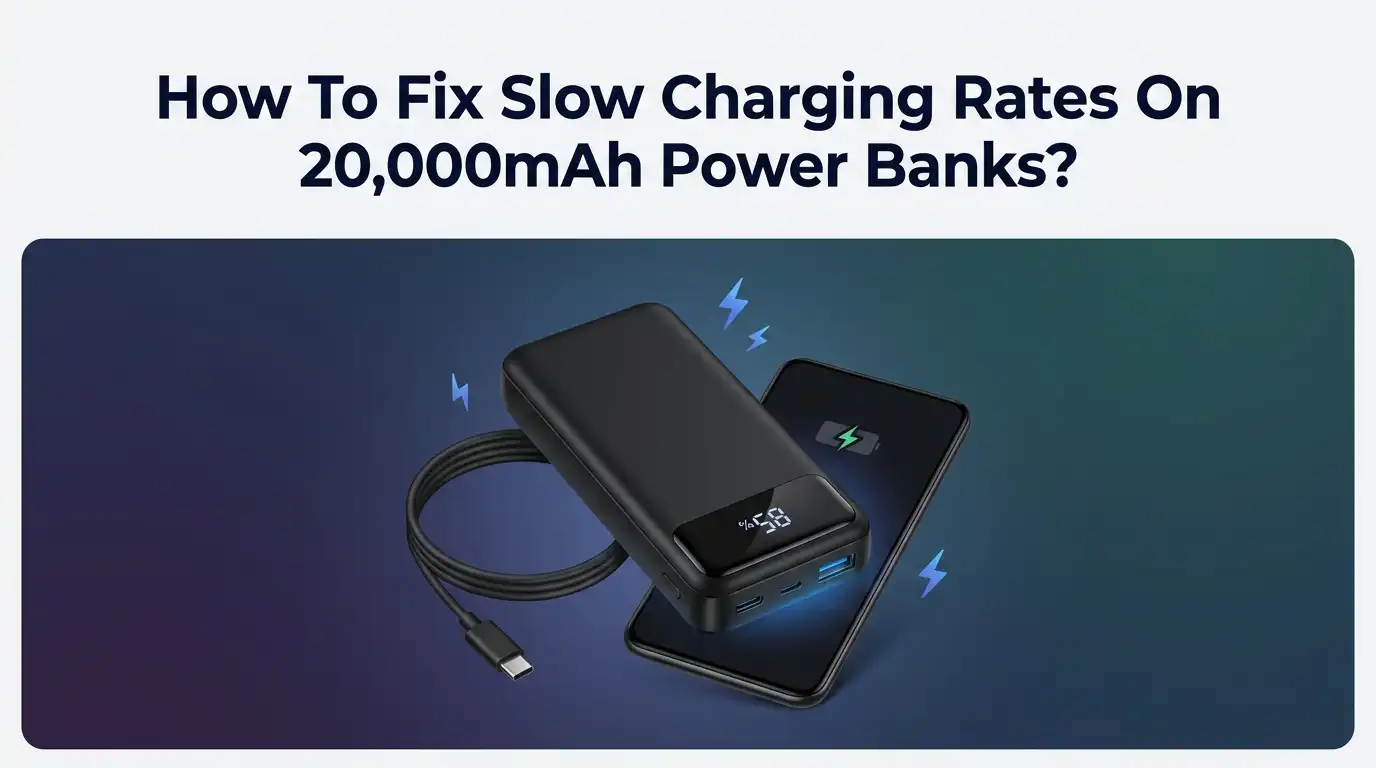
How To Fix Slow Charging Rates On 20,000mAh Power Banks?
Your 20,000mAh power bank should be a lifesaver. Instead, it sits on the charger for what feels like forever. You plug it in at night and it still shows two bars in the morning. Sound familiar? Slow charging turns a handy gadget into a source of daily frustration.
The good news is simple. Most slow charging problems have easy fixes. You do not need to throw the power bank away or buy a new one. You just need to find the weak link in your charging chain.
This guide walks you through every reason your power bank charges slowly. It gives you clear steps to fix each one. You will learn about cables, adapters, ports, and settings that most people ignore.
Key Takeaways
- The wall adapter matters most. A weak 5W phone charger will crawl. Use a high wattage adapter that matches your power bank input rating for the fastest results.
- Your cable can secretly kill charging speed. A thin or damaged cable drops power on the way. Switch to a thick, certified USB-C cable rated for the wattage you need.
- Match the charging protocol. Your power bank supports standards like Power Delivery (PD) or Quick Charge (QC). Your adapter must support the same one to unlock fast speeds.
- Heat slows everything down. A hot power bank throttles its own charging to stay safe. Charge it in a cool, open space away from sunlight and blankets.
- Small habits make a big difference. Clean the port, avoid using the bank while charging, and keep the battery healthy. These simple steps add up over time.
- Old batteries charge slower. After hundreds of cycles, cells wear out. If nothing else works, battery degradation may be the real cause.
Understand How Long A 20,000mAh Power Bank Should Actually Take
Before you fix anything, you need a realistic target. A 20,000mAh power bank holds a lot of energy. It will never charge as fast as a small phone. This is normal physics, not a defect.
With a basic 5W charger, a full charge can take 10 to 12 hours. That is painfully slow. With a good 18W to 30W adapter, the same bank fills up in around 5 to 6 hours. High end 65W models can do it even faster.
So ask yourself one question first. Is my power bank truly broken, or am I just using a weak charger? Many people think their device is faulty when the setup is the real problem. Knowing the correct baseline helps you spot the true issue and avoid chasing fake fixes.
Check Your Wall Adapter Wattage First
The wall adapter is the single biggest reason for slow charging. Many people plug their power bank into an old phone charger. That charger may only push 5W. Your power bank could accept far more.
Look at the small text printed on your adapter. You will see numbers like 5V/1A or 5V/2A. Multiply volts by amps to find the watts. A 5V/1A charger gives just 5W. A 9V/2A charger gives 18W, which is much faster.
Pros of upgrading your adapter: You get a massive speed boost with almost no effort. One good adapter serves many devices.
Cons: A stronger adapter costs more money. Some very old power banks cannot use the extra power, so the upgrade helps nothing in those cases. Always check your bank first.
Match The Adapter To The Power Bank Input Rating
Buying a powerful adapter is only half the job. You must match it to what your power bank can accept. This number is called the input rating. Every power bank has one printed on its body or in the manual.
You might see something like Input: 5V/3A, 9V/2A, 18W. That means the bank accepts up to 18W. Feeding it a 65W adapter will not make it charge faster than 18W. The bank simply takes what it can handle.
The trick is balance. Your adapter should meet or slightly exceed the input rating. There is no harm in using a stronger adapter. The power bank pulls only what it needs and stays safe.
Pros: You avoid wasting money on power you cannot use. Cons: Finding the exact input rating takes a little reading. Some cheap banks hide or overstate these numbers.
Replace Your Charging Cable With A Quality One
Your cable acts like a pipe for electricity. A thin or damaged cable narrows that pipe. Even with a great adapter, a bad cable drags your charging speed down without warning.
Cheap cables often have thin internal wires. They cannot carry high current. A quality USB-C cable rated for 60W or more lets full power flow through, even if your bank needs less.
Check your current cable for kinks, frayed ends, or bent connectors. Try a different cable and watch if charging speeds up. This one swap fixes slow charging surprisingly often.
Pros of a better cable: It is a cheap fix that solves many problems instantly. A good cable lasts years. Cons: Not all cables list their ratings clearly. You may need to test a few. Longer cables can also lose a little power over distance.
Use The Correct Input Port On The Power Bank
Many 20,000mAh power banks have several ports. Some ports are only for output. Only one or two ports accept fast input charging. Plugging into the wrong port causes very slow charging or none at all.
Look for the port labeled IN or marked as input/output. On modern banks, this is usually the USB-C port. Older banks may use a Micro USB port for input, which is slower by design.
Always use the USB-C input port for the fastest charge. If your bank has both Micro USB and USB-C inputs, skip the Micro USB one. It rarely supports fast standards.
Pros: Using the right port is free and instant. Cons: Labels can be tiny or worn off. Some banks do not mark ports clearly, so you may need the manual to be sure.
Enable And Match Fast Charging Protocols
Fast charging depends on shared languages between devices. These languages are called protocols. The two most common are Power Delivery (PD) and Quick Charge (QC). Your adapter and power bank must speak the same one.
If your power bank supports PD but your adapter only offers QC, they fall back to slow standard charging. The same happens in reverse. They cannot negotiate high power without a match.
Check the specs of both devices. Look for words like PD, QC, or PPS. Then pair them correctly. A PD power bank charges fastest with a PD adapter and a USB-C to USB-C cable.
Pros: Matching protocols unlocks the true speed you paid for. Cons: Protocol names confuse many buyers. Mismatched gear is common, and older devices may not support any fast standard at all.
Charge The Power Bank In A Cool Environment
Heat is a hidden enemy of charging speed. Lithium batteries hate high temperatures. When a power bank gets too warm, it slows its own charging on purpose. This protects the cells from damage.
Never charge your bank on a bed, under a pillow, or inside a bag. These trap heat. Avoid direct sunlight and hot cars too. The safe range is roughly 0°C to 45°C, and cooler is better within that window.
Place the bank on a hard, open surface like a desk or tile floor. Good airflow keeps it cool and lets it charge at full speed.
Pros: A cool spot costs nothing and speeds up charging right away. It also extends battery life. Cons: You cannot always control the room temperature, especially outdoors or in hot climates during summer travel.
Stop Using The Power Bank While It Charges
This mistake is very common. People charge the power bank and charge their phone from it at the same time. This is called pass through charging. It splits the incoming power in two directions.
When power flows out while flowing in, the bank fills much slower. Some of the incoming energy leaves before it ever reaches the cells. Pass through charging also generates extra heat, which slows things down further.
The fix is simple. Let the power bank charge alone. Unplug your phone and other devices from it. Once the bank is full, then use it to charge your gear.
Pros: Charging one thing at a time is faster and safer. It keeps the battery cooler. Cons: You lose the convenience of charging both at once. In emergencies, you may have no choice but to do both.
Clean The Charging Port For Better Contact
A dirty port causes weak connections. Lint, dust, and pocket fluff collect inside USB-C and Micro USB ports over time. This buildup blocks the metal contacts and reduces power flow.
Look closely into the port with a flashlight. You may see gray fluff packed at the bottom. This tiny blockage can cut your charging speed in half. It also makes cables feel loose.
Turn off the power bank first. Use a wooden or plastic toothpick to gently scoop out the debris. You can also use a short burst of compressed air. Never use metal objects, as they can damage the contacts or cause a short.
Pros: Cleaning is free and often brings instant improvement. Cons: You must be gentle. Rough cleaning can bend the delicate pins inside and make the problem worse.
Try A Different Power Source Or Wall Outlet
Sometimes the problem sits behind the wall, not inside your gear. Weak or unstable power sources deliver less energy to your adapter. This drags down charging speed for the whole chain.
Avoid charging from laptop USB ports when you want speed. These ports often output only 5W or less. The same goes for car USB ports and cheap multi port strips. They cannot supply strong, steady power.
Plug your adapter straight into a wall outlet instead. A direct connection gives the cleanest, strongest supply. Skip daisy chained extension cords when possible, since they can cause voltage drops.
Pros: A good outlet gives full, stable power for free. Cons: You may not always have a wall outlet nearby. Travel and outdoor use often force you to rely on weaker sources like cars or laptops.
Update Firmware Or Reset Smart Power Banks
Modern power banks are smarter than they look. Many contain small chips that manage charging. Sometimes the software on these chips glitches. A glitch can lock the bank into slow charging mode.
A few premium banks let you update firmware through an app or a computer connection. Check the maker’s website or app for any available update. Installing it can fix charging bugs and improve speed.
If there is no firmware option, try a simple reset. Many banks have a tiny reset hole or a long press button combo. A reset clears temporary faults and often restores normal charging behavior.
Pros: Updates and resets can fix hidden software issues for free. Cons: Only some banks support these features. Firmware updates carry a small risk if interrupted, so follow the instructions carefully.
Rule Out Battery Degradation And Aging Cells
If you have tried everything and nothing helps, the battery itself may be worn out. Lithium cells lose capacity with every charge cycle. After a few hundred cycles, they charge slower and hold less power.
Signs of aging include the bank getting hot fast, draining quickly, or never reaching full charge. A power bank older than two or three years often shows these symptoms. This is normal wear, not a fault you can repair.
To slow future degradation, keep the charge between 20% and 80% when you can. Avoid leaving it fully drained or fully charged for long periods. Store it in a cool, dry place.
Pros: Good habits extend the life of a healthy bank. Cons: You cannot reverse real degradation. Once cells wear out, replacement is the only reliable answer.
Put It All Together For The Fastest Charge
Fixing slow charging is about finding the weakest link. Each part of your setup affects the final speed. Work through them one by one and you will spot the culprit fast.
Start with the adapter, since it causes most problems. Then check your cable and the input port. Match your protocols, keep the bank cool, and charge it alone. Clean the port and use a solid wall outlet. These steps solve the vast majority of cases.
The best results come from combining fixes, not relying on just one. A strong adapter with a weak cable still charges slowly. Every link in the chain must be strong. Follow this guide fully and your 20,000mAh power bank will charge as fast as it possibly can.
Frequently Asked Questions
How long should a 20,000mAh power bank take to fully charge?
It depends on your adapter. With a weak 5W charger, expect 10 to 12 hours. With an 18W to 30W adapter, you can reach a full charge in around 5 to 6 hours. High wattage PD adapters may finish even quicker.
Can a bad cable really slow down my power bank charging?
Yes, absolutely. A thin or damaged cable cannot carry high current. It acts like a narrow pipe and limits power flow. Switching to a quality certified cable often fixes slow charging on its own, even with the same adapter.
Is it safe to use my power bank while it is charging?
It is safe on most modern banks, but it is not ideal. Charging and discharging at once, called pass through charging, splits the power and creates extra heat. This slows the recharge and can wear the battery faster over time.
Why does my power bank get hot while charging?
Some warmth is normal during charging. Excess heat comes from fast charging, using the bank while it charges, or poor airflow. A hot bank throttles its own speed to protect the cells, so keep it cool and open for best results.
Does charging from a laptop USB port hurt my power bank?
It does not hurt it, but it charges very slowly. Most laptop USB ports output only 5W or less. For the fastest charge, always plug your adapter into a direct wall outlet instead of a laptop or car port.
How do I know if my power bank battery is worn out?
Watch for warning signs. If it heats up fast, drains quickly, or never reaches 100%, the cells may be aging. Power banks older than two or three years commonly show this. At that point, replacement is usually the best option.

Hi, I’m Frankie Shaw, the founder and writer behind Swittchly 👋. I’m a passionate tech enthusiast who loves exploring the latest gadgets, devices, and electronics that hit the market. Through my honest, research-backed Amazon product reviews, I help readers make smarter buying decisions without the hype or confusion.